
BusinessAlpha
Local demo
There is no hosted demo. This walkthrough runs the three repositories on your machine.
Install
You need Go 1.26.9+, Node.js, and PostgreSQL.
mkdir -p ~/sumeru_erp && cd ~/sumeru_erp
git clone git@github.com:ProjectMeru/sumeru.git
git clone git@github.com:ProjectMeru/sumeru_addons.git
git clone git@github.com:ProjectMeru/sumeru_custom_addons.git
cd sumeru_custom_addons
cp sumeru.conf.example sumeru.conf
make setup && make run
Open http://localhost:8080. An empty database starts at /setup. After setup, sign in at /web/login.
What you should see
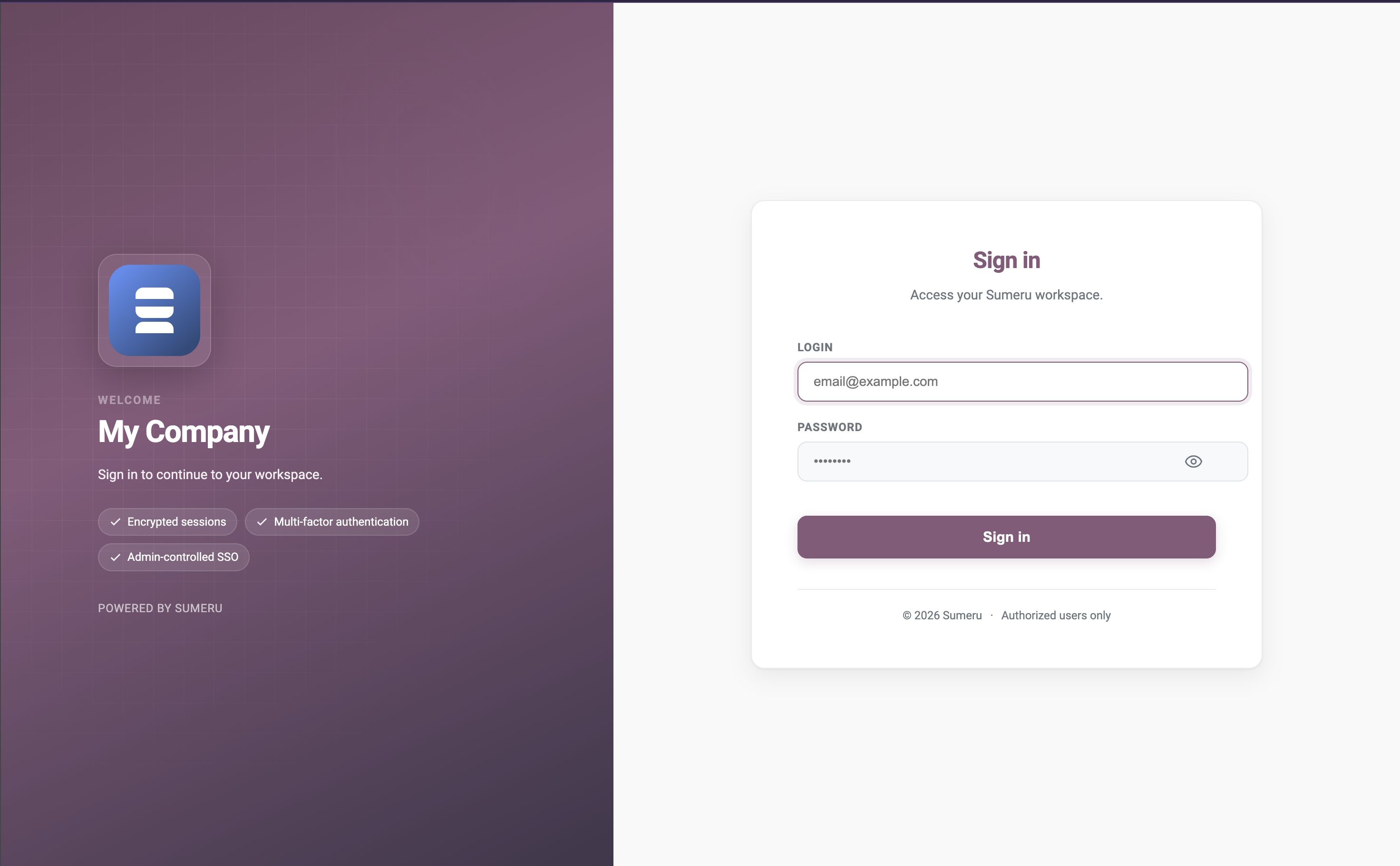
Create the first administrator in the setup wizard. There is no default password.
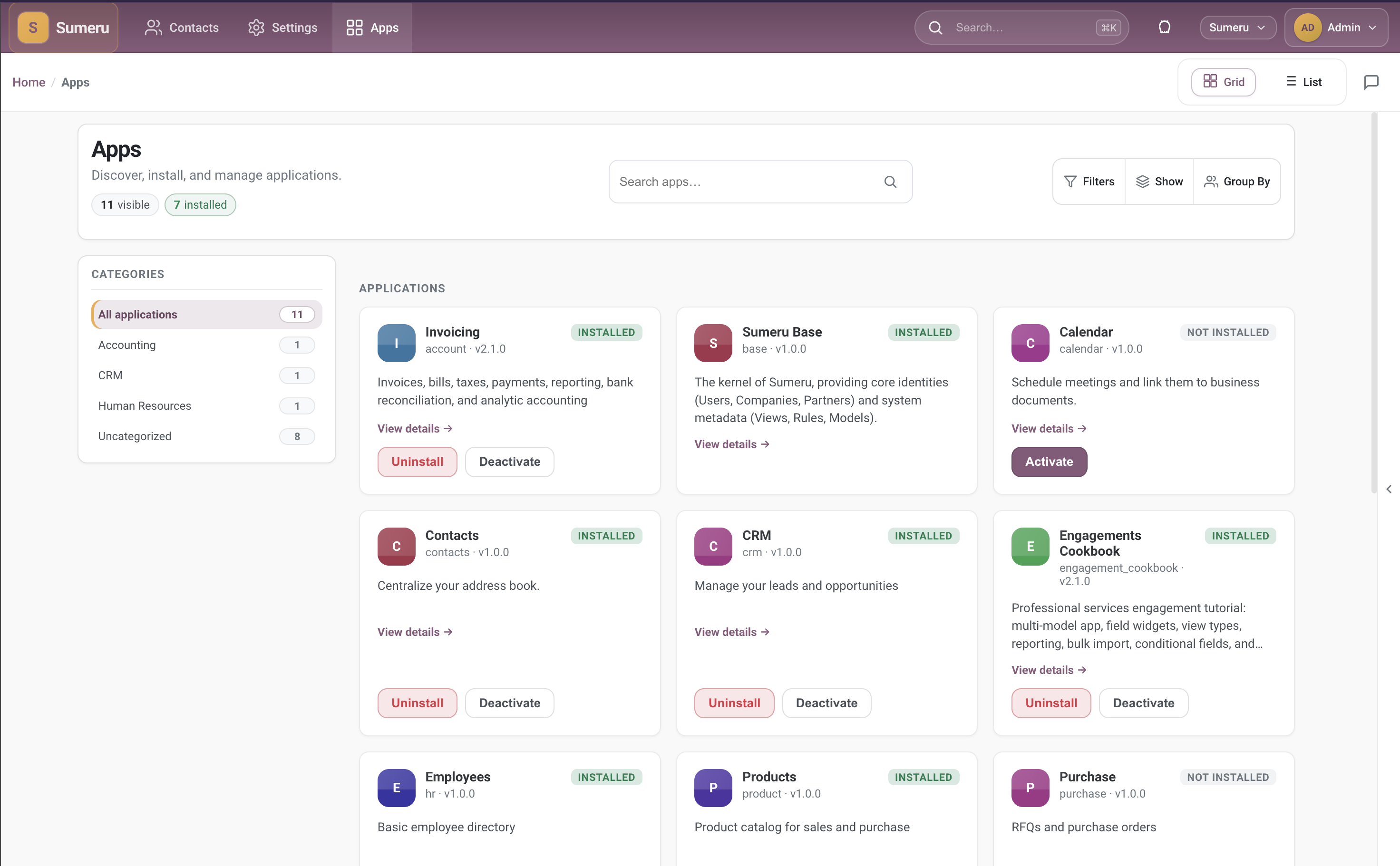
The Apps screen lists installable modules. Kernel apps such as Contacts install with the core. CRM, Sales, Invoicing, Purchase, Products, Inventory, and Employees come from sumeru_addons when that repository is on addons_path.
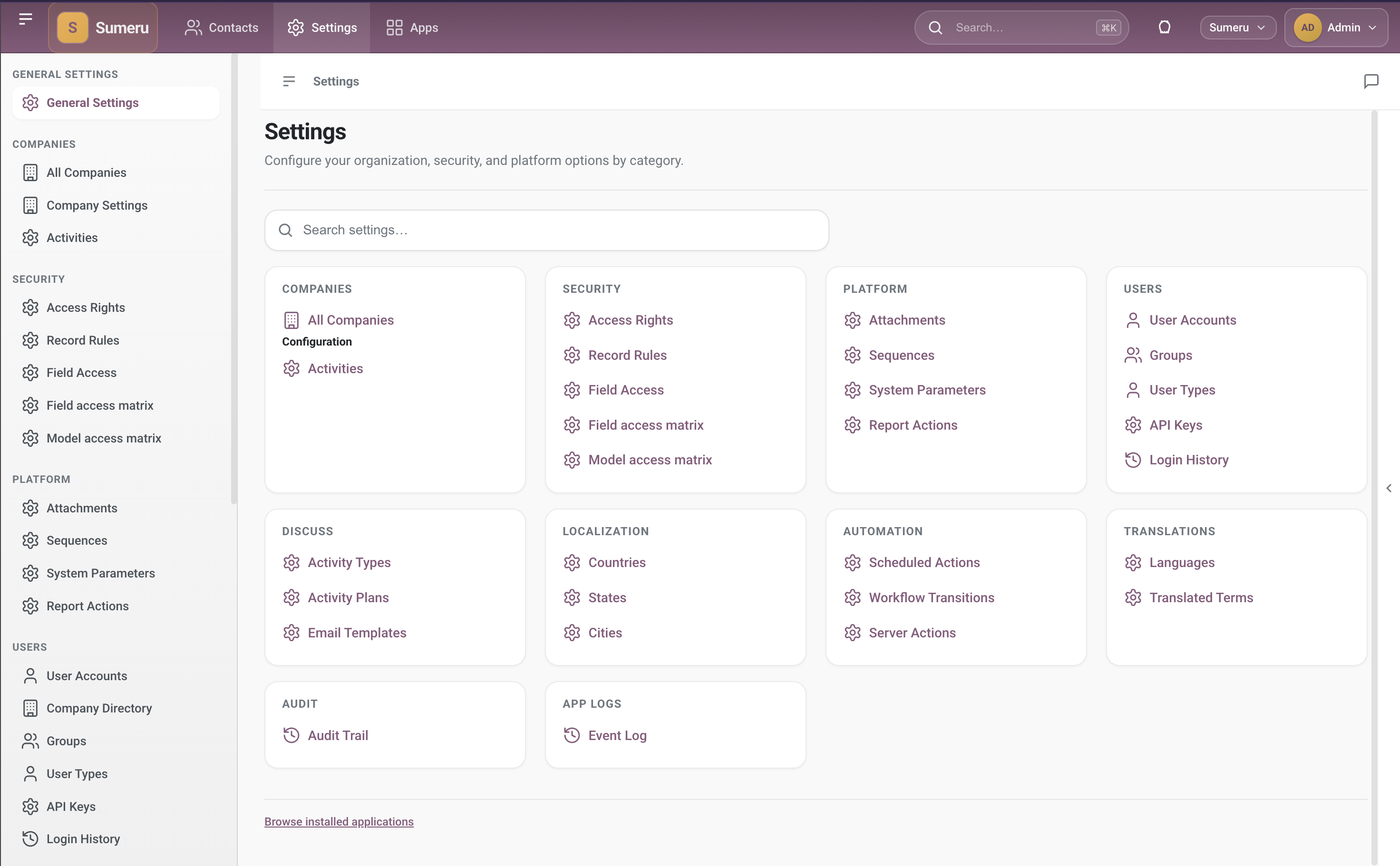
Open a menu to land in the workspace: search, filters, and the view types that module ships (list, form, kanban, and others).
A business flow
- Install Contacts, then Products, CRM, Sales, and Invoicing.
- Add a customer in Contacts.
- Create a lead, move it to won. The Sales CRM bridge can draft a quotation.
- Confirm the sales order and create an invoice.
Details: Lead to cash and Procure to pay.
Change it for your business
- Turn apps on and off from Apps. You do not install a second product to add purchasing.
- Assign users to groups under Settings. Menus and model rights follow the group.
- Switch company in the top bar when one database holds more than one company.
Code-level extension is the developer track.